

Tag: COVID

  • 5 Ways You Can Prepare Your Technology (and Your Employees) to Return to the Office

    5 Ways You Can Prepare Your Technology (and Your Employees) to Return to the Office

    Whether your employees are still mostly remote, or you’ve moved into a hybrid setup, many employers are looking to return to business as usual as COVID numbers drop and speculation increases that we’re moving into the endemic phase of this illness.

    We covered this topic much earlier in the pandemic, and we still agree with the advice we gave for prepping employee devices before bringing them back into the company network. We’re all aware of the waffling opinion about whether offices are really necessary or remote work is the wave of the future.

    For some businesses the collaboration that occurs in person just couldn’t be replicated remotely, while others found that their employees were even more productive when not subjected to the hustle and bustle of office life. These choices are best made on an individual company and even individual employee basis.

    We do think it’s a good idea to offer some more sound technology advice for returning to the office, even if you’re only considering the idea for now.

    1. Check on your office network: If your office has been mostly unused the past couple of years, or only lightly used, it may be a good idea to make sure your network can still support your whole workforce. Employees coming in the first day and being unable to get online would be a poor way to kick things off.
    2. Think about your existing technology structure as well: Has a server become unreliable in the time you’ve been away, or your current backup solution handles small uploads fine, but your entire staff would overload it? It’s a good idea to perform these upgrades before welcoming employees back.
    3. Don’t switch the current workflow all at once: If there are systems in place that have been working throughout your time spent remote, don’t immediately switch back to “how things used to be”. It’s a good idea to evaluate whether the new systems and processes are perhaps better than the old ones too.
    4. Also be sure to check incoming devices before allowing them on the company network: As we said in our previous article, devices that have been allowed outside of the office should be checked prior to coming back and logging into sensitive work systems. Hackers know how to bide their time so just because a device hasn’t shown any signs of malware doesn’t mean there is no malware.
    5. Finally, now is the best time to bring in new assistance: An event such as returning to the office, or moving offices marks a great time to bring in technical assistance. A technical provider can help you get past where you are to where you want to be.

    Is your office planning to stay hybrid or continue remote? Even if you’re not returning back to the office – now or ever – we’ve created this template of online safety tips your employees should keep in mind. Whether it’s with a company device if you allow it to be used personally during off hours or just for keeping their home network safe (because malware can spread).

    Click to download the full printable version.

    In the office, remote or anything in between, Valley Techlogic can assist you with getting the most from the technology you use to facilitate running your business. Learn more with a free 10 minute consultation.

    Looking for more to read? We suggest these other articles from our site.

    This article was powered by Valley TechLogic, IT service provider in Atwater, CA. You can find more information at https://www.valleytechlogic.com/ or on Facebook at https://www.facebook.com/valleytechlogic/ . Follow us on Twitter at https://x.com/valleytechlogic.

  • Hardware Shortages May Continue Into 2022, So What Can Consumers Do About It?

    Hardware Shortages May Continue Into 2022, So What Can Consumers Do About It?

    COVID related hardware shortages and merchandising shortages in general are not new, since the beginning of the pandemic we have seen shortages in food, toilet paper, cleaning products and even personal protective equipment (PPE) frontline workers desperately needed to stay safe.

    Many of these shortages have been solved by an uptick in production. However, computer and electronic related shortages have been some of the worst hit and so far, the longest lasting with many experts saying we won’t see an end to them until 2022.

    At the beginning of the pandemic as schools closed and many jobs went remote the shortages when it came to laptops and desktops made sense, students and workers needed devices to continue to learn and work on.

    We saw that these shortages were solved when popular PC makers ramped up production and pushed forward new product launches to entice this entirely new market of PC consumers – many of which had abandoned bulkier hardware in favor of small and portable smart phones in years prior. It was common during this time for households to go from a single PC in the home to several.

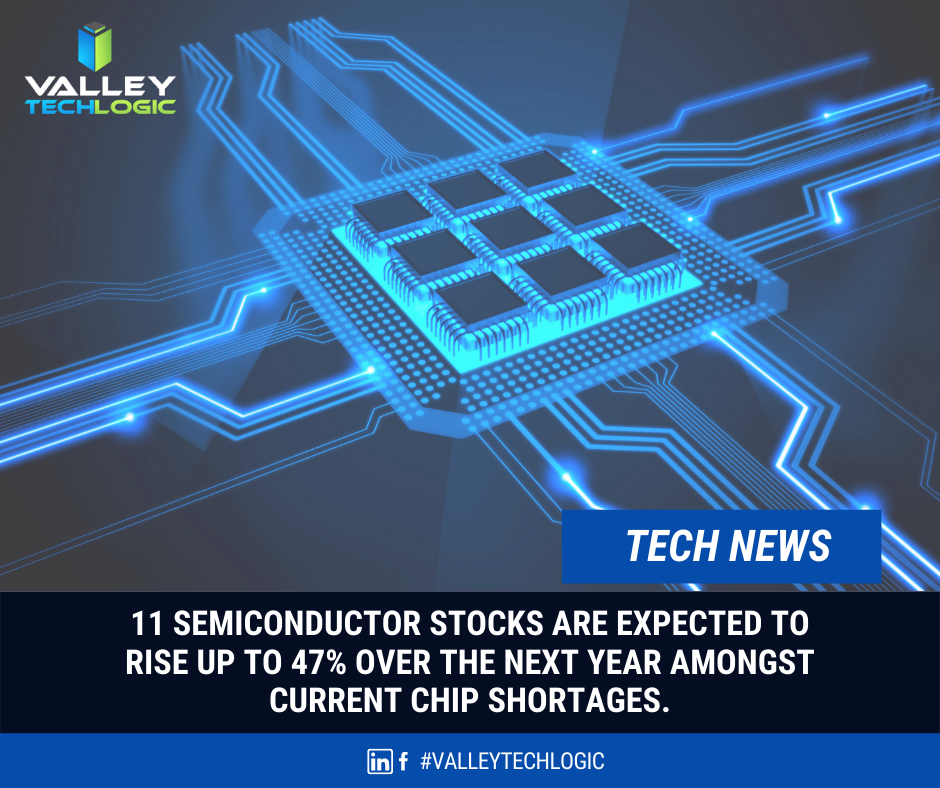
    Now as we’ve stepped into 2021, we’re seeing shortages when it comes to the components these devices are made of. Especially when it comes to computer chips otherwise known as semi-conductors.

    We’re going to get a little technical here, a semi-conductor (or integrated chip) is a series of electronic circuits printed onto a conducting material, usually silicon. These chips form the brain of your electronic equipment. Tech News #3

    have been reported well before the pandemic hit (and are certainly be making things even worse). These silicon shortages don’t just effect PCs and laptops, cellphones, gaming equipment, even cars.

    Our growing demand for electronics has created the silicon shortage and we don’t as of yet have a solution that would allow us to keep our current breakneck pace when it comes to new electronic product launches. Many solutions center around increasing the longevity of existing products and ending planned obsolescence by allowing outside vendors to fix OEM products without voiding a customer’s warranty (as an example).

    On top of the silicon shortage, Bitcoin and Bitcoin related mining has also seen a resurgence in popularity. Powerful Graphical Processing Units (GPUs) are needed to make Bitcoin mining as efficient and productive as possible and as such we’re seeing GPUs skyrocket in price, many selling for several times their MSRP.

    It’s expected that it will take until 2022 for vendors and factories to catch up and prices to begin to stabilize. If you’re in the market for a new computer or laptop in the interim, you may find yourself in for a wait and a price hike.

    If you run or own a business, having a technology service provide like Valley Techlogic behind you can assist you in your business’s hardware needs. We have special relationships with our vendors and can use those to our customers advantage, saving them both time and money.

    If you’re a business owner located in the Central Valley and your office is due for a hardware upgrade, reach out today to find out what we can do for you.

    Looking for more to read? We suggest these tech articles from the last week.

    This article was powered by Valley TechLogic, an IT provider in Atwater, CA. You can find more information at https://www.valleytechlogic.com/ or on Facebook at https://www.facebook.com/valleytechlogic/ . Follow us on Twitter at https://x.com/valleytechlogic.